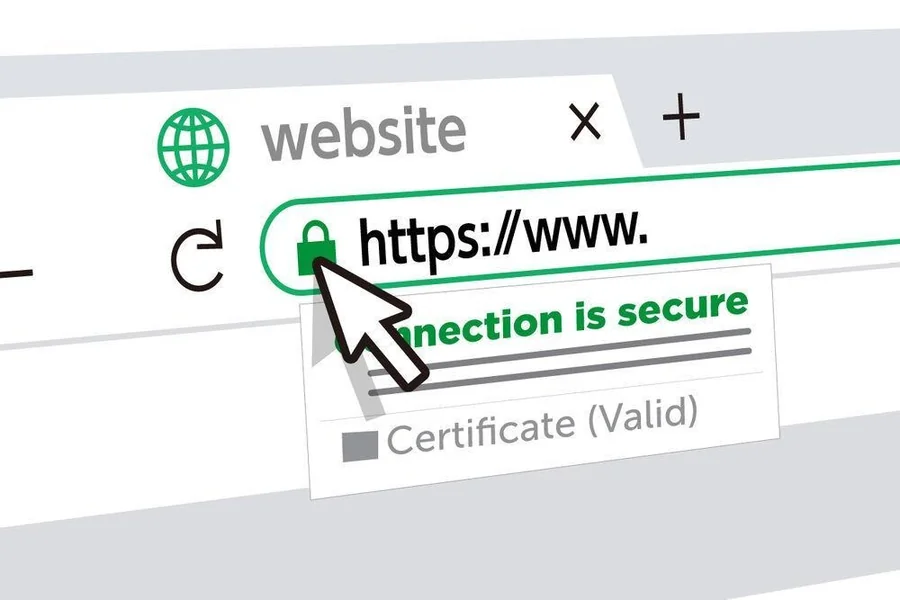
SSL certificates ensure the safety of users as they access a web site. They ensure the connection and make data confidential. Not every SSL certificate is valid. A Web site that has an expired or a fake certificate may appear perfectly regular. It is important to know how to verify the SSL certificate of a web site to be safe and trustful.
-
Look for the Padlock Icon
The simplest method of checking is by the browser. There is a padlock icon that is small and placed next to the web address. This shows the site uses SSL. On clicking the padlock, further information is provided. You are able to detect whether the certificate is valid or not. The padlock can be missing, which means that the site is not secure. Contemporary browsers go as far as to issue warnings to the visitor with the label Not Secure. This is the initial symptom to be observed.
-
Check the Website Address
Checking the URL of the web site is another fast measure. An authentic SSL certificate replaces the URL with a secure one, that is, the URL ends with an s. The “s” stands for secure. When a business site displays the use of the http, it is not well secured. This is always to be checked before personal information is given. Fraud sites do not always do this. An authentic and secure business will definitely employ “https” in it.
-
See the Certificate Information.
To check further, you may look at the certificate itself. In the majority of browsers, you should click on padlock and select Certificate or Connection details. This brings out a window that displays the issuer of the SSL and its expiry date. The domain name is also visible on the certificate. When the names are not similar, the site is not likely to be authentic. The trusted authorities issue valid SSL certificates. In case the issuer appears suspicious, keep off the site.
-
Check the Expiry Date
SSL certificates do not have a long life. They have an expiry period of one year or so. A certificate that has expired undermines security and represents a bad management. When looking at certificate details, look at the validity dates. The browser normally gives you a warning in case the certificate has expired. It is not advisable to key in information in such websites. An active and valid certificate will indicate that the business is concerned about security.
-
Use Online SSL Checkers
SSL certs can also be verified using a number of free online tools. These applications scan the site and report the site on its SSL status. They point out such issues as poor encryption or outdated certificates. There is an added level of confidence in using them. In the case of business websites, frequent verifications will keep the customers safe.
Conclusion
It is easy, yet crucial to check whether a site has an authentic SSL certificate. Begin with padlock and the address with the https. Then, see the certificate information of the expiry and issuer. The results can be verified with the help of online tools. These steps will help you to easily determine whether a site is safe or not. Not only does a valid SSL certificate protect data, but builds trust. Being able to check it will make you browse with confidence.


 By
By